
What is a job and how to create one
One job per house: every quote for that homeowner stays together.
A job is one house you work on: the homeowner, the address, their phone and email. Everything you order for that house is kept under the job.
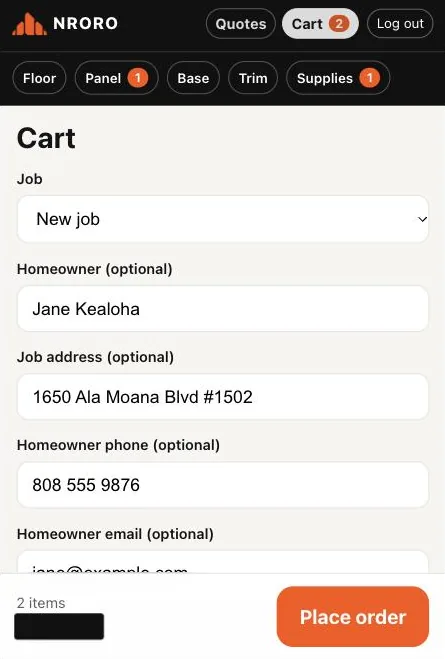
To create one, type the homeowner and job address in the cart (phone and email are optional) and place the order. The job is saved with it.
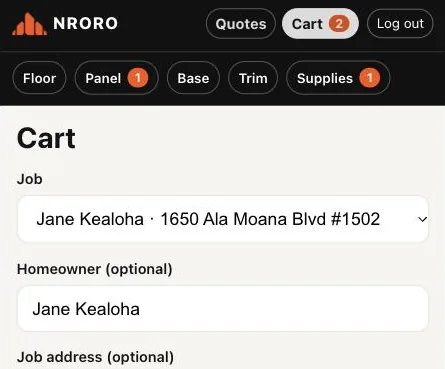
Next time you order for the same house, pick it from the Job list in the cart.
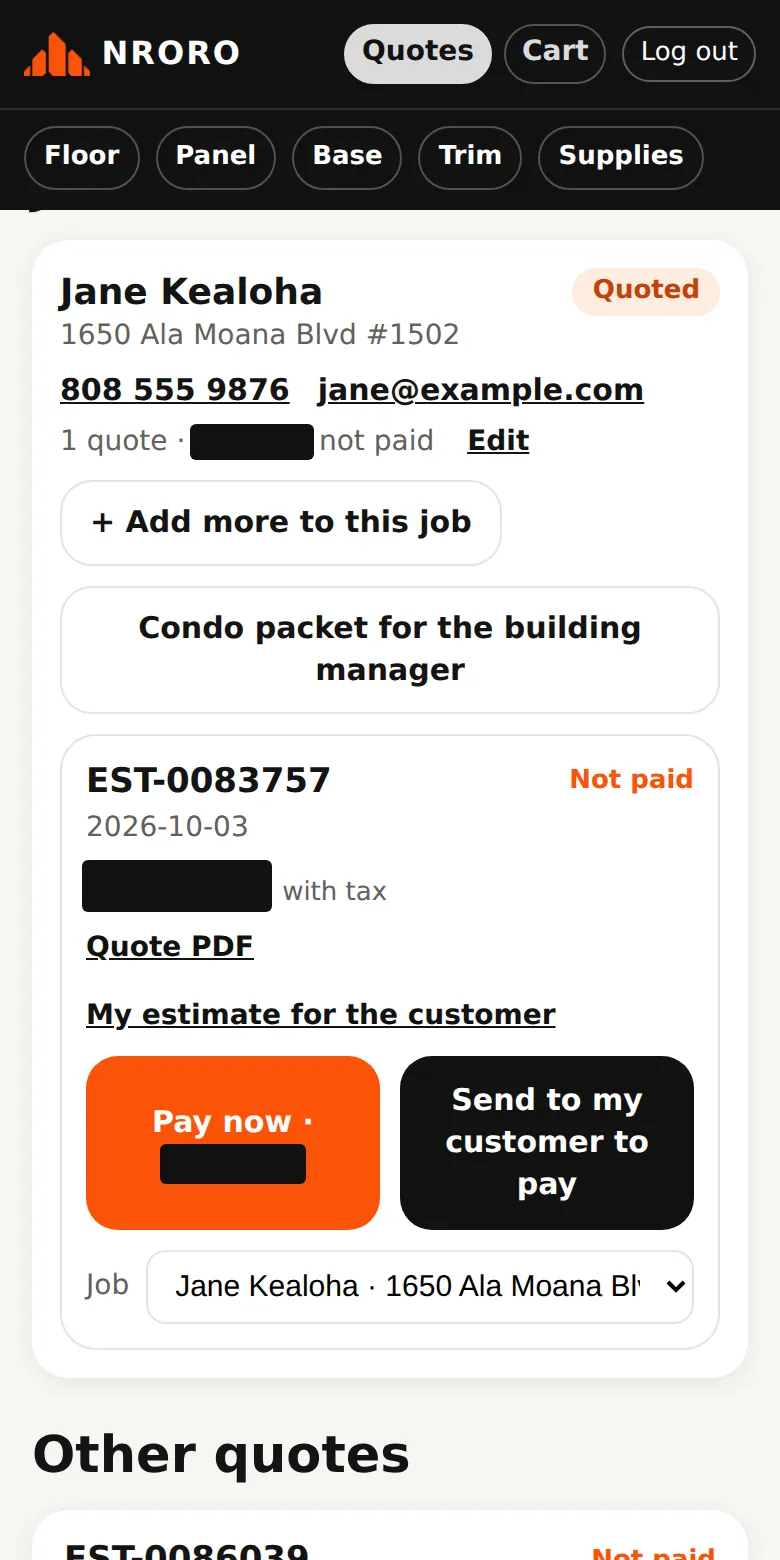
On Quotes you see your jobs with their status — Quoted, Paid, Picked up — and the quotes inside. Tap Edit to change the homeowner details, or use the Job list on a quote to move it to another job.
Questions? Call 808-210-4807.