
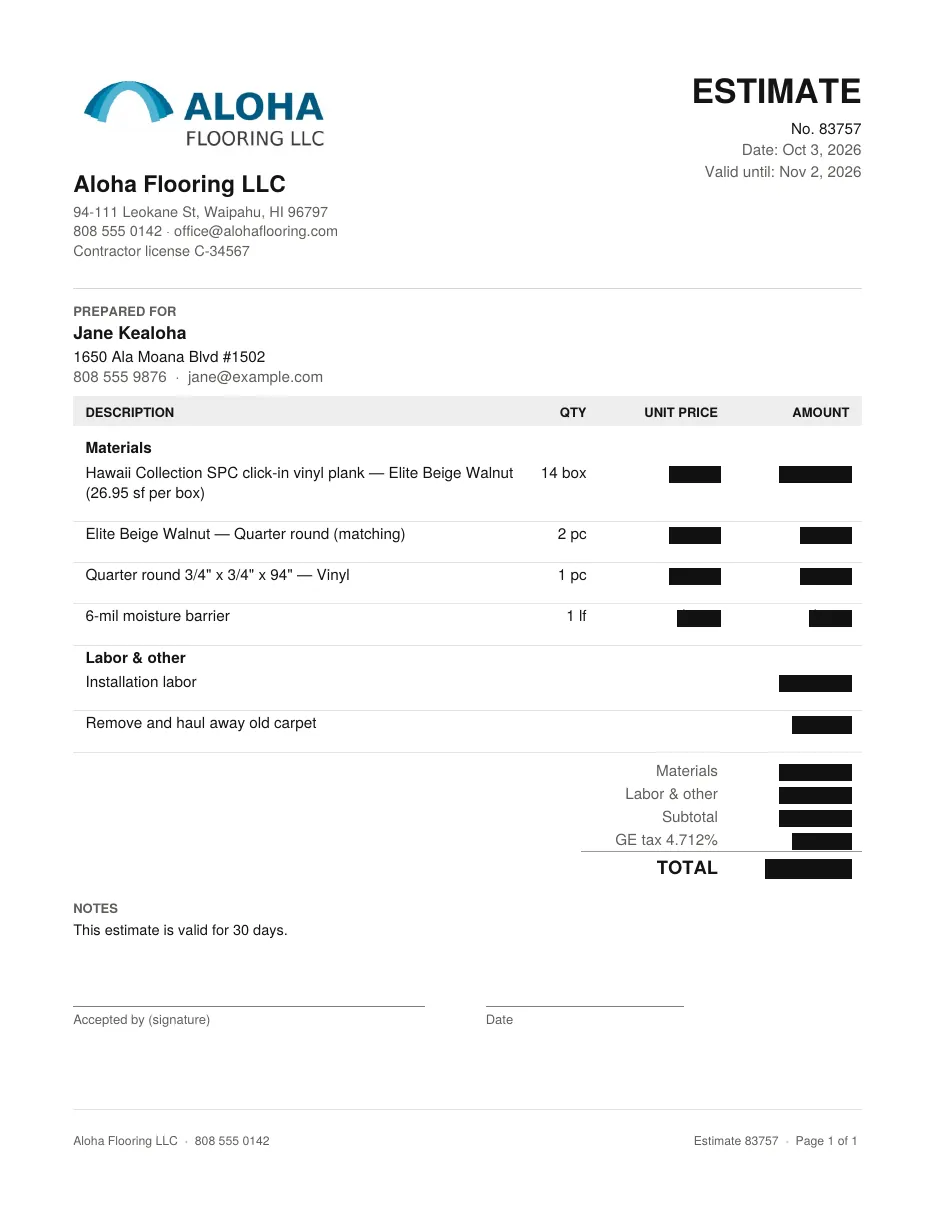
Send your customer an estimate with your company name and logo
Your logo, your prices, your labor — a PDF you text or email. Best Flooring is not on it.
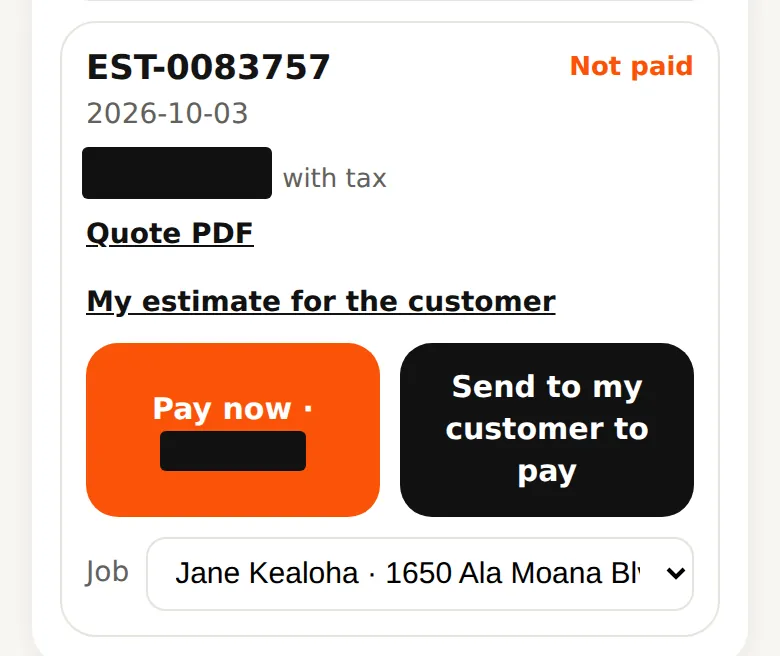
On Quotes, under any quote, tap My estimate for the customer.
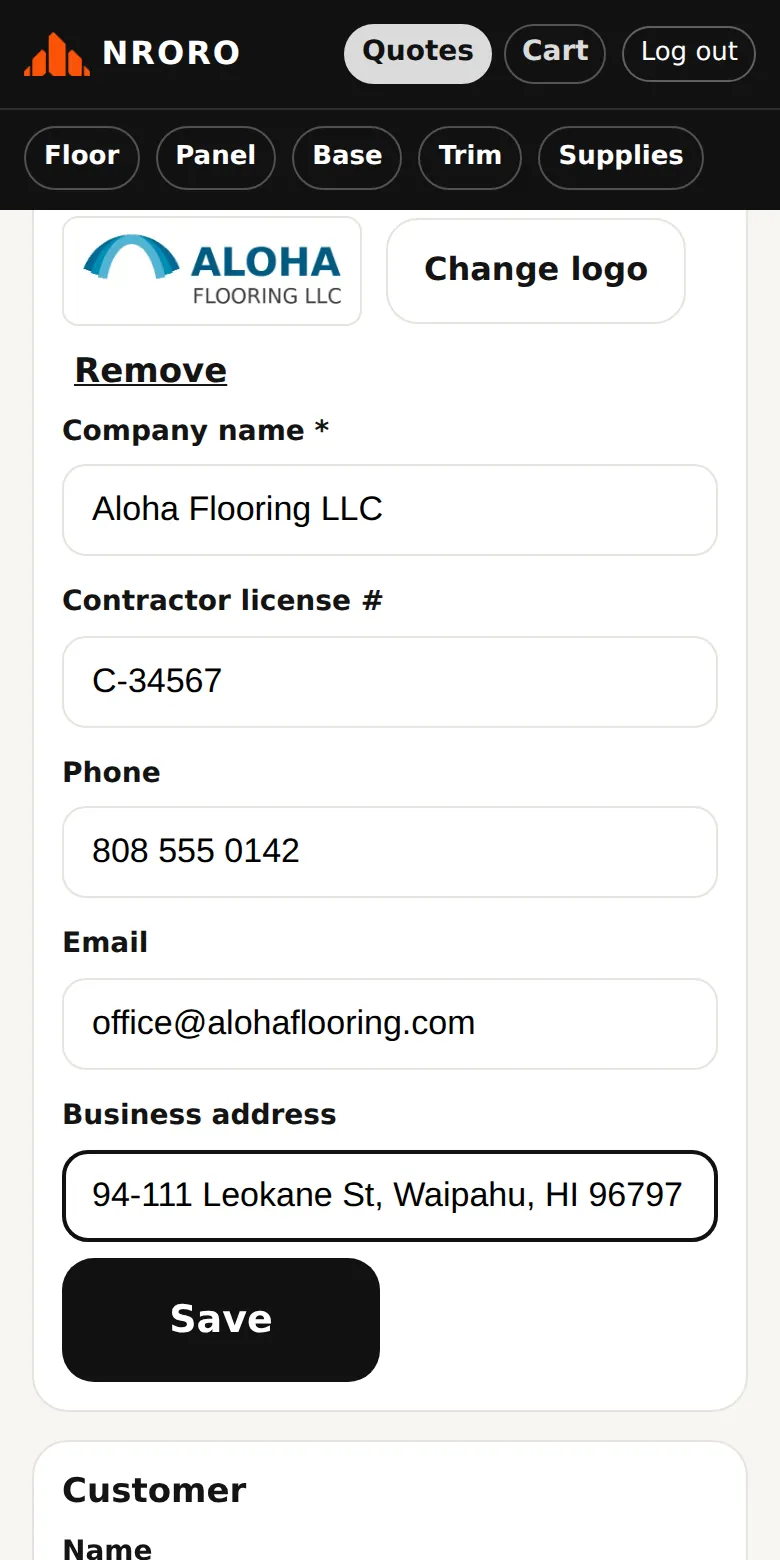
The first time, add your business: logo, company name, contractor license number, phone, email and address. It is saved for every estimate after that. Change it any time under the gear icon → Settings → Your business.
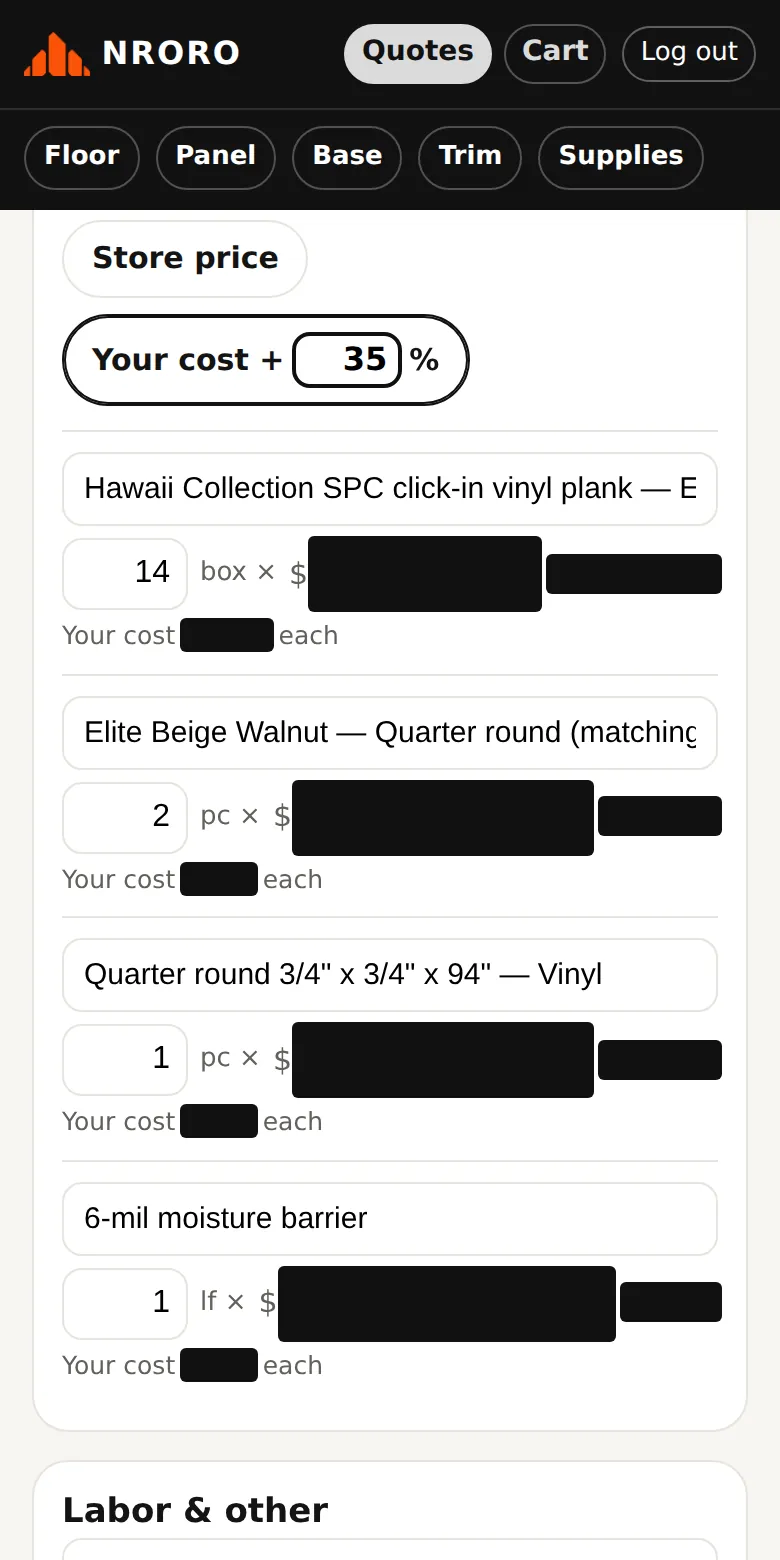
Set your prices: Store price, or your cost plus a markup %. You can change the wording, quantity or price of any line. A quantity of 0 leaves the line off.
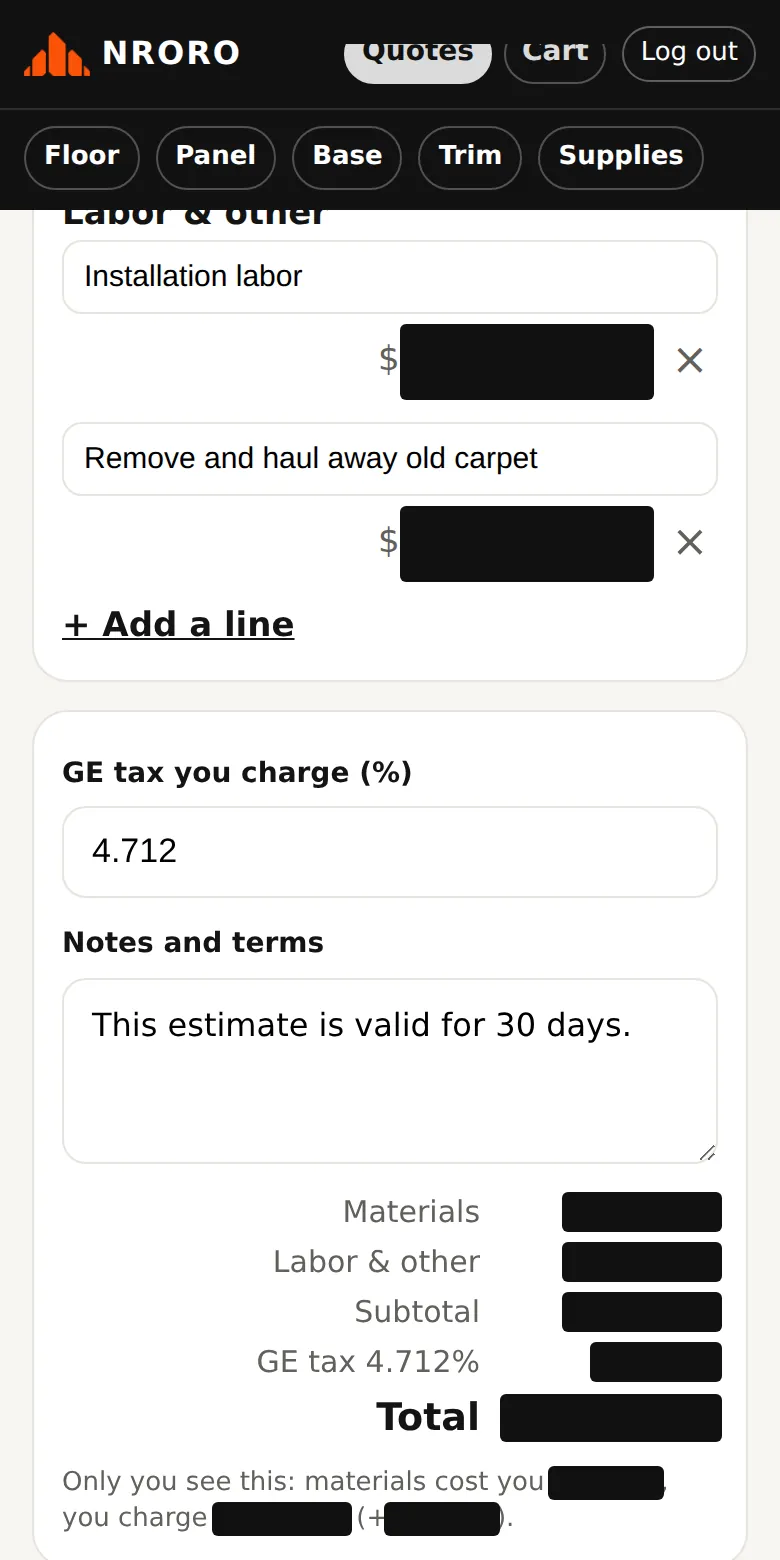
Add labor and anything else (haul-away, furniture moving), set the GE tax you charge, and write your notes. The line "Only you see this" shows your margin; it is never on the PDF.
Tap Share PDF and send it by text, email or WhatsApp straight from your phone. Preview shows it first.
- Your changes are kept: open the same estimate later and everything is still there.
Questions? Call 808-210-4807.