
Place an order
Pick the floor; the portal walks you through everything that goes with it.
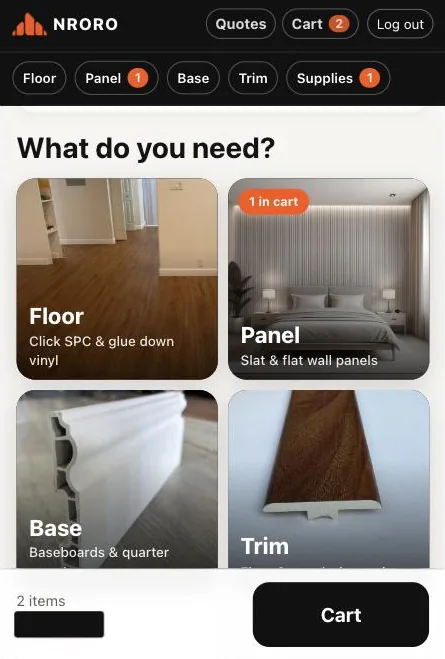
On the home page pick what you need: Floor, Panel, Base, Trim, Supplies or Tools.
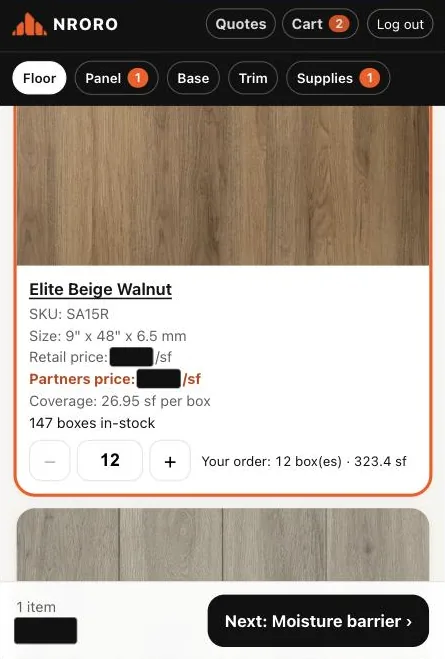
On Floor, choose Click SPC or Glue down, then tap + under a color for the boxes you need. You see the square feet as you go and how many boxes are in stock.
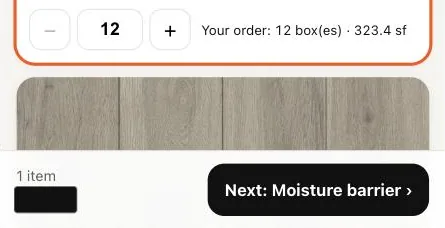
Tap Next at the bottom. The portal only shows what goes with your floor: moisture barrier, then trim in the matching color, then base. Glue down goes to glue and primer; wall panels to clips and panel trim. Supplies also has sound underlayment and subfloor prep (see "Supplies").
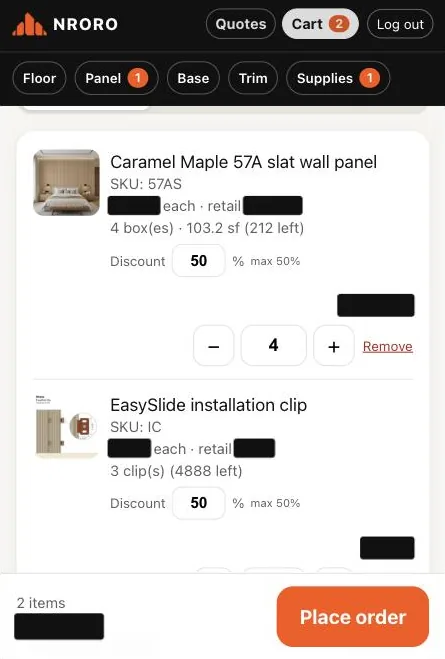
Open the Cart. Check the items, add the homeowner and job address if you like (see "Jobs"), choose pickup or delivery, and tap Place order.
You get a quote number. Pay now, send it to your customer to pay, or save it and come back later from Quotes.
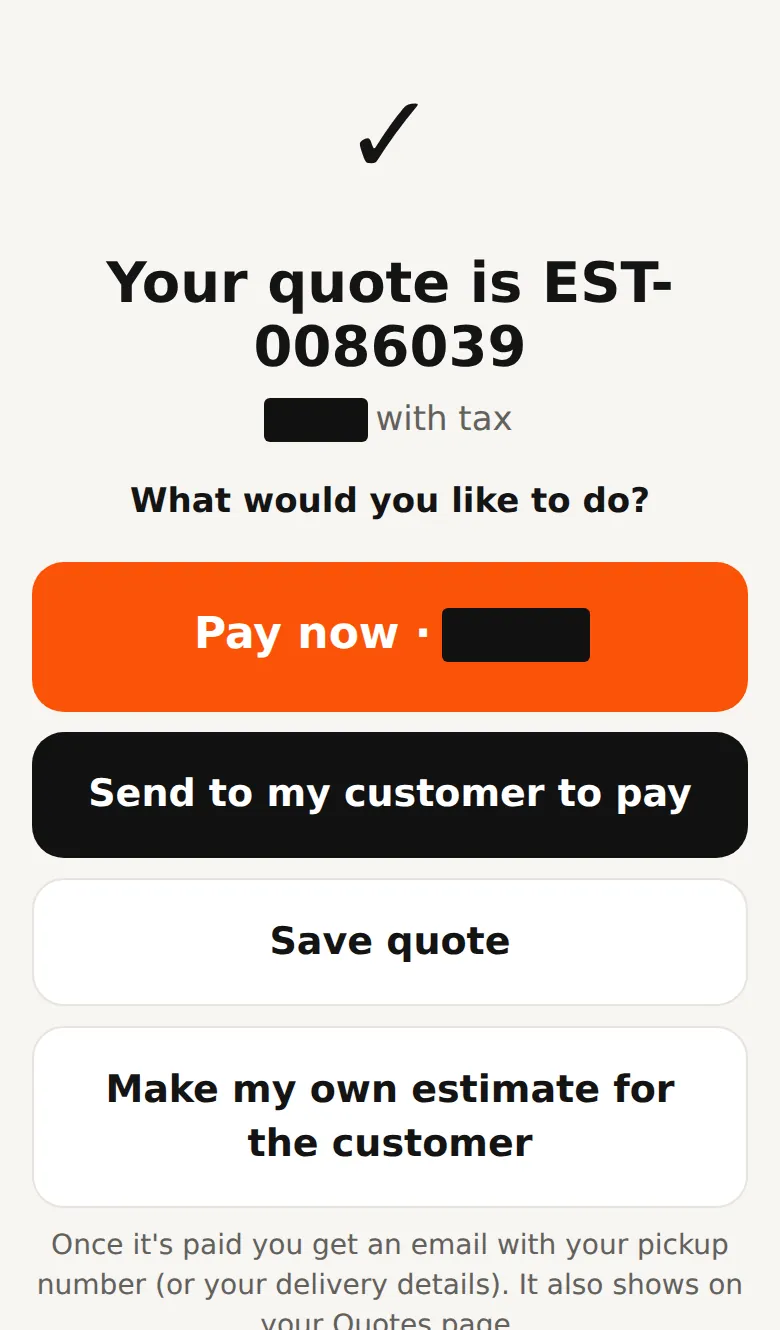
- Nothing is reserved until the order is paid in full.
- Your cart is kept if you leave the page or switch to your phone. If it was changed on another device (or by Best Flooring), the portal shows the newest cart with a yellow note "Your cart was changed on another device": check it before you order. An older screen can't save over a newer cart.
- Your cart belongs to your login. If someone else logs in on the same phone or computer, your cart is not carried into their account.
Questions? Call 808-210-4807.