
Put the portal on your phone like an app
One tap from your home screen, no app store.
On iPhone, open the portal in Safari. The home page shows "Get the NRORO app": tap the Share button at the bottom of Safari, then Add to Home Screen.
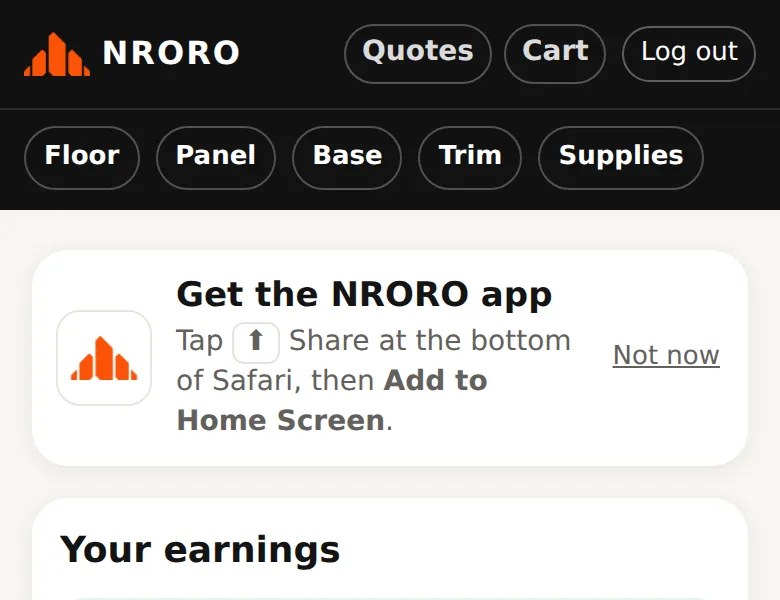
On Android, open the portal in Chrome and tap Install on the same card.
From then on, open NRORO from your home screen. The first time, log in once more — the home-screen app keeps its own login.
Questions? Call 808-210-4807.